
How to Send a PDF for Signature by Email or After a Web Form
Most signature problems start before anyone signs. The real decision is whether the final PDF already exists and should be emailed for signature, or whether the information still needs to be collected first and only then frozen into the record that will be signed.
E-sign pipeline
DullyPDF E-Sign Pipeline — every signing workflow, every industry
Single-signer, sequential multi-signer, parallel multi-signer, Fill By Link → sign, group fill → multi-sign, and API Fill → sign — walked end to end across HR onboarding, healthcare intake, real estate, legal, insurance ACORD, and immigration USCIS workflows.
Use this video as the canonical reference for DullyPDF e-signatures: pick the signing workflow your team actually runs, then match it to the industry-specific packet you already send out today.
Signing works best when it is treated as the last step, not the first tool you open
A lot of teams think they need a “signature button” when the deeper problem is record control. They send a partially finished PDF, collect edits over email, and then try to remember which version actually got approved. By the time the signer is involved, the document already feels unstable. That is why the signing experience often feels messy even when the signature tool itself is decent.
A better workflow starts by deciding what the signer is supposed to review. If the exact PDF already exists, freeze that record and send it into signature. If the information does not exist yet, collect it first, generate the final PDF from that stored response, and only then request signature. The signature becomes much cleaner when it is attached to one final document instead of to an evolving draft.
Use the direct email path when the final PDF is already ready for review
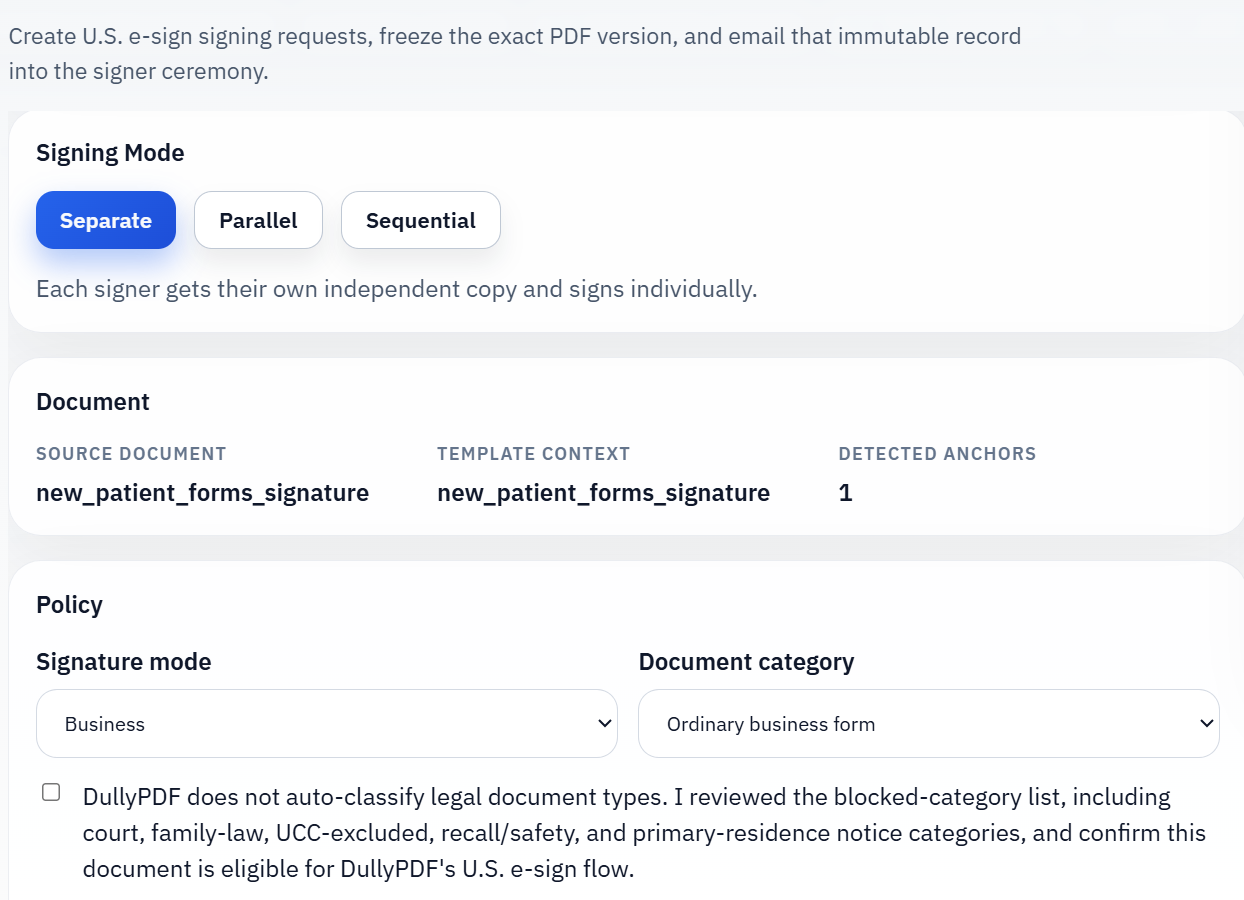
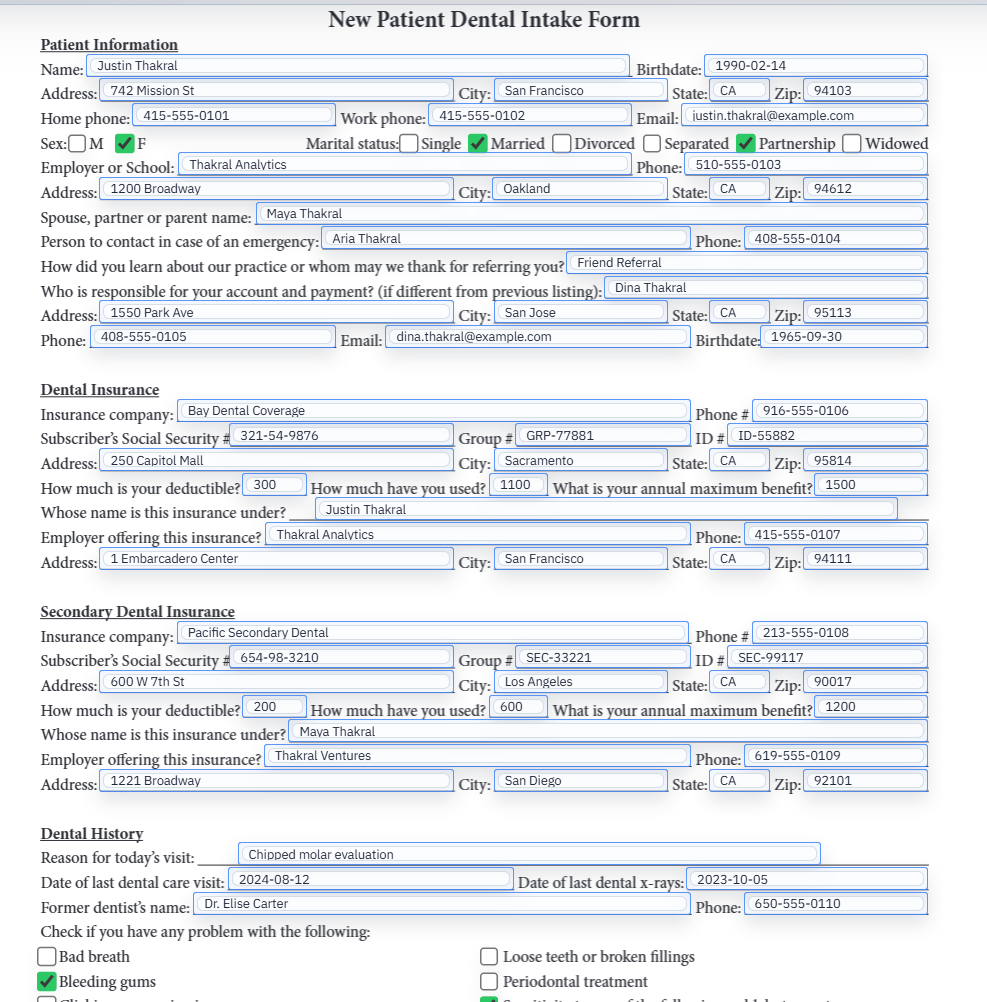
The direct path is the simpler one and it is the right choice more often than people think. If the team has already reviewed the service agreement, intake packet, acknowledgment, or approval form and the only remaining task is acceptance, there is no reason to force the signer through another data-collection step. Freeze the exact PDF the owner wants signed and email that specific record into the signing flow.
That keeps the handoff clean for both sides. The owner knows which document left the workspace. The signer knows which document is being reviewed. Later, when someone asks what was actually signed, the team can point to one retained PDF instead of reconstructing the transaction from screenshots, download folders, and message history.
Use the web-form-first path when the answers still need to be collected from a respondent
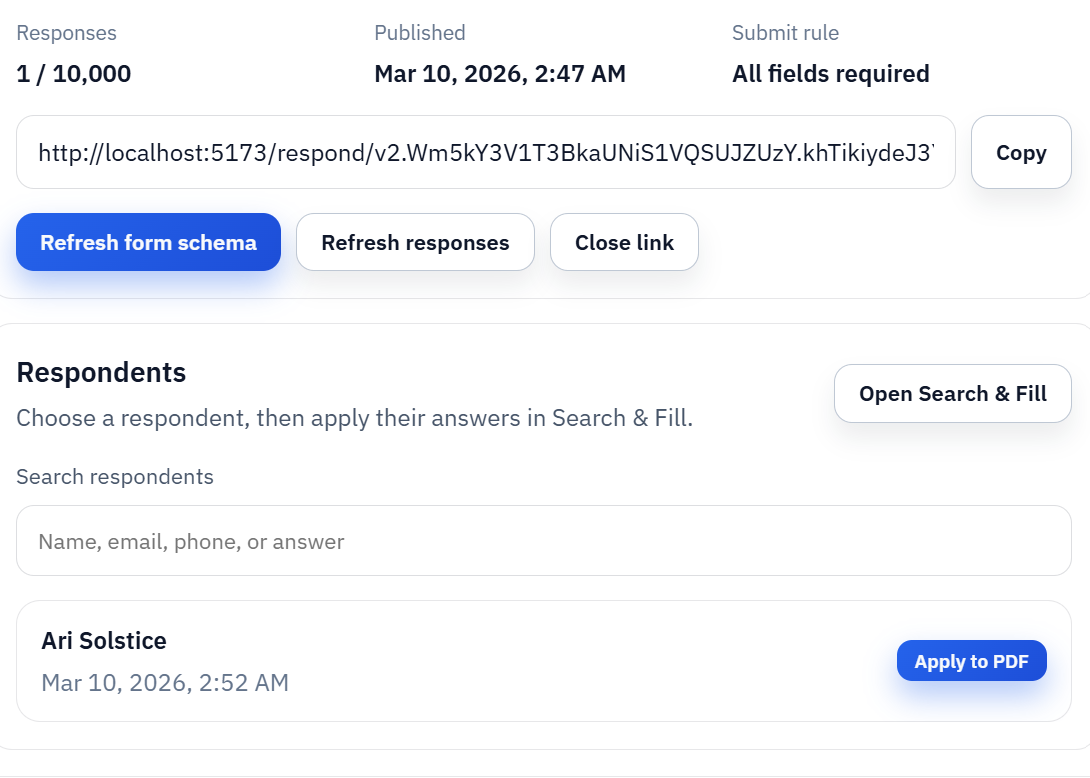
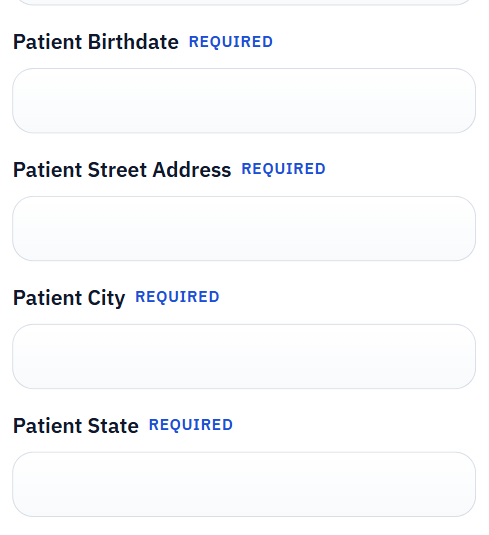
Sometimes the PDF is not ready because the underlying information still belongs to another person. Rental packets, service intake forms, onboarding paperwork, and approval requests often start this way. In those cases the practical move is to let the respondent submit the answers through a simpler hosted form first, store the response, and then generate the exact PDF that should move into signature.
That two-stage model solves a common problem. The signer is no longer approving a loose set of web answers and the owner is not manually rebuilding the PDF after the fact. The response becomes the source data, the filled PDF becomes the final record, and the signing request attaches to that record. The result reads like one controlled workflow instead of two disconnected tools taped together.
The real operational win is keeping the artifact chain together after signing finishes
A surprising amount of signature pain shows up after completion rather than during the ceremony itself. Teams need to retrieve the signed copy, prove which record went out, and explain the current status to someone else inside the business. That is hard when the final artifacts are spread across inboxes, local downloads, and disconnected vendor dashboards. It is much easier when the request, the final PDF, and the signed output stay tied together in one workspace.
This is also where owners feel the difference between a record workflow and a simple annotation utility. A useful signing flow does not end when the signer clicks finish. It ends when the owner can reopen the request, see what happened, download the finished record, and trust that the transaction can be reconstructed later without guesswork.
- Keep one exact PDF as the record the signer reviewed.
- Avoid asking staff to rebuild the approval trail from email history later.
- Choose the path based on where the data lives today, not on which button looks faster in the moment.
A simple rule helps teams choose the right signing entry point quickly
Ask one question first: does the exact PDF already exist and only need signature, or does the information still need to be gathered? If the document is final, use the direct email path. If the document still depends on respondent answers, use the web-form-first path and only send the generated PDF into signature after the answers are stored. That one distinction removes a lot of avoidable process confusion.
It also keeps the product positioning honest. DullyPDF is not strongest when people want a generic signature widget disconnected from the document workflow. It is strongest when the team wants the signature event tied to one final PDF and one recoverable record trail. That is the difference between a one-off send and a process people can reuse next week.